Purpose
Exit Director with the option to save your work
Steps
- Click the red X in the upper right corner of the workspace to close Director.
The Exit CS Director dialog displays.
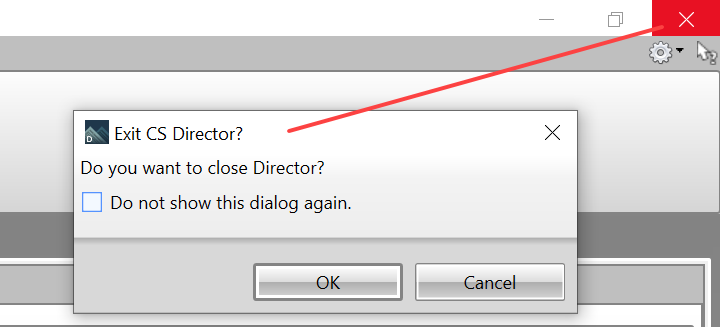
- Click OK to close the dialog. If you don't want to display this dialog every time you close Director, click the checkbox before clicking OK.
Related Topics