Purpose
Change the color of walls in the layout using the Properties Grid
Prerequisites
A layout
Steps
- Select a wall or group of walls.
The selected wall is highlighted.
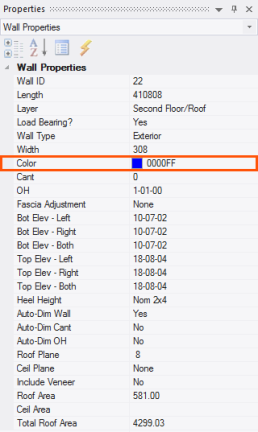
- Edit the wall color using the Color property on the Properties grid. Note that the existing color for walls is defined in Color Settings in EnvData. See Color Settings.
Related Topics