Purpose
Define different colors for work lines for ease of visibility.
Steps
 Watch video
- Open or create a layout with work lines.
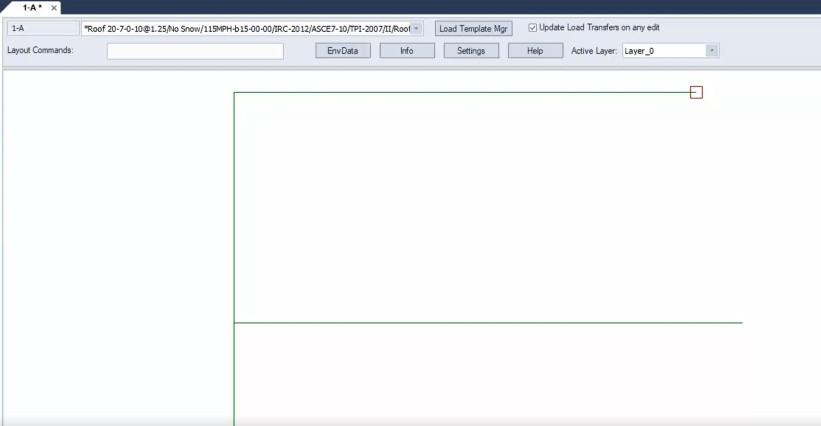
- Click EnvData > Color Settings.
The Color Settings dialog displays.
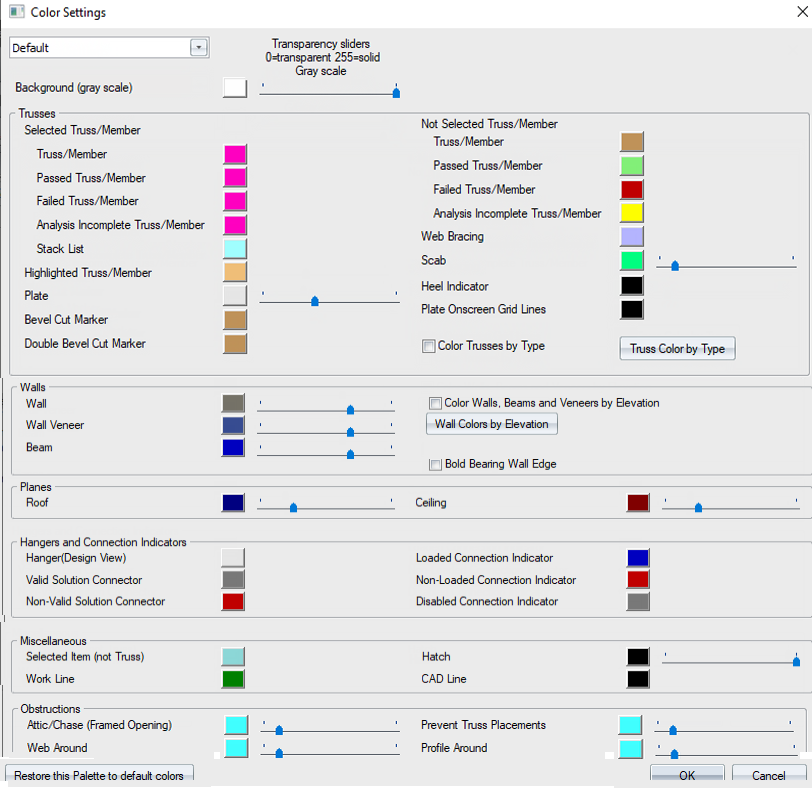
- Under Miscellaneous, click the Work Line color icon.
The Colors dialog displays.
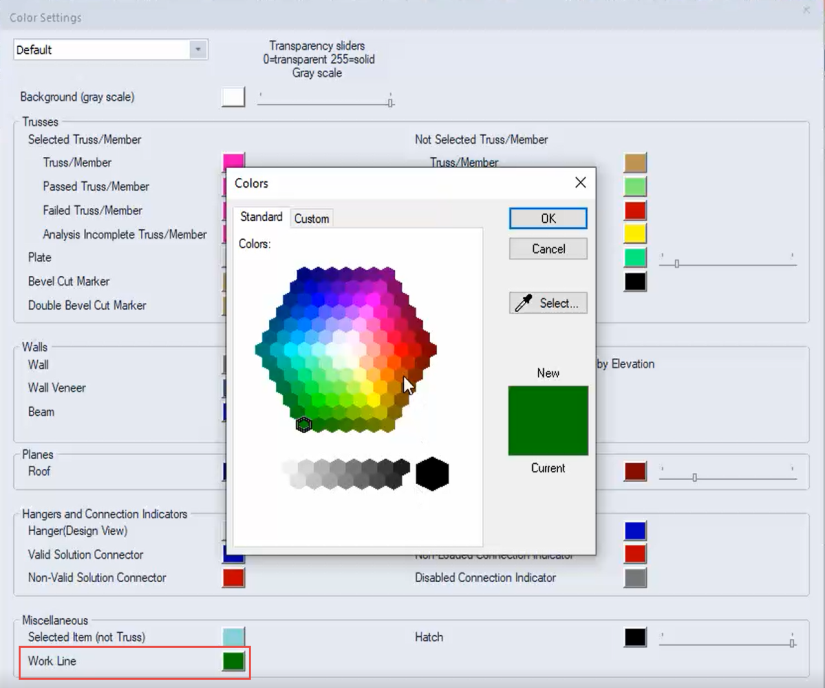
- Click a color on the color wheel to change the work line color and click OK.
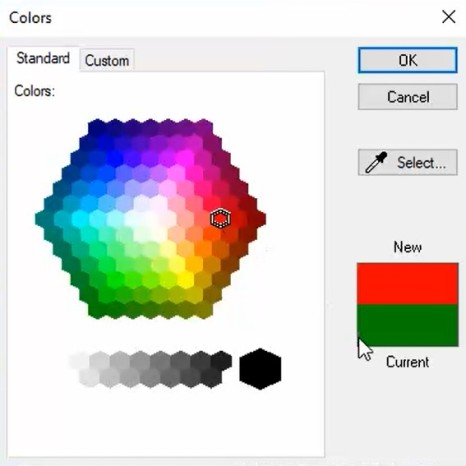
The new color is reflected on the Work Line color icon.
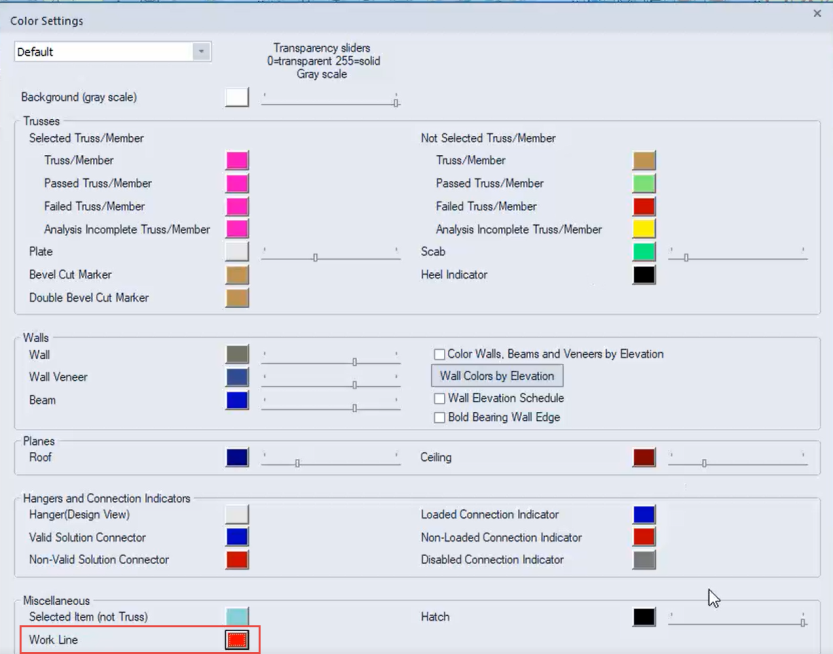
- Click OK to close the Color Settings dialog.
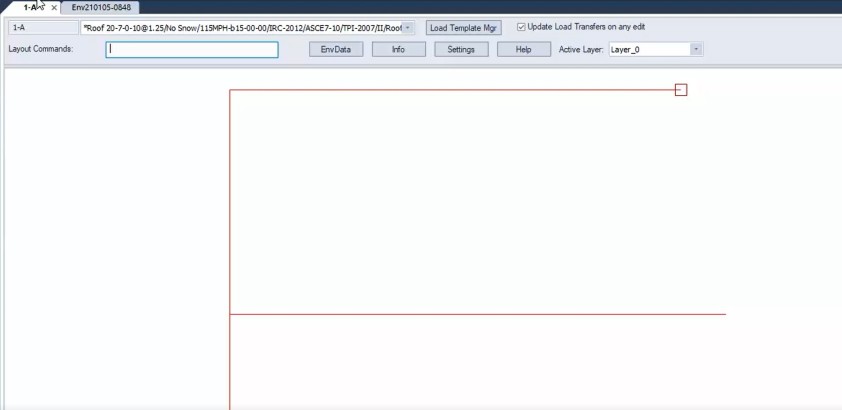
When you return to the layout, the work lines display in the newly selected color.
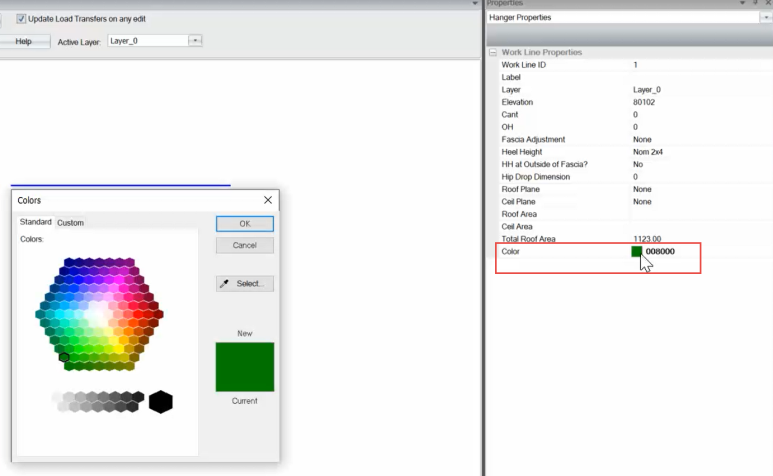
You can also edit work line colors on the Properties Pane.
Related Topics
Define Dimension & Label Font Colors