Purpose
When using the gattic,
dual,
porch, and
split commands, you have the option to convert those profile "macros" into a single Top Chord or Bottom Chord profile command.
Prerequisites
A layout
Steps
 Watch video
- Enter the command on the TC or BC Profile input line on the main Truss workspace.
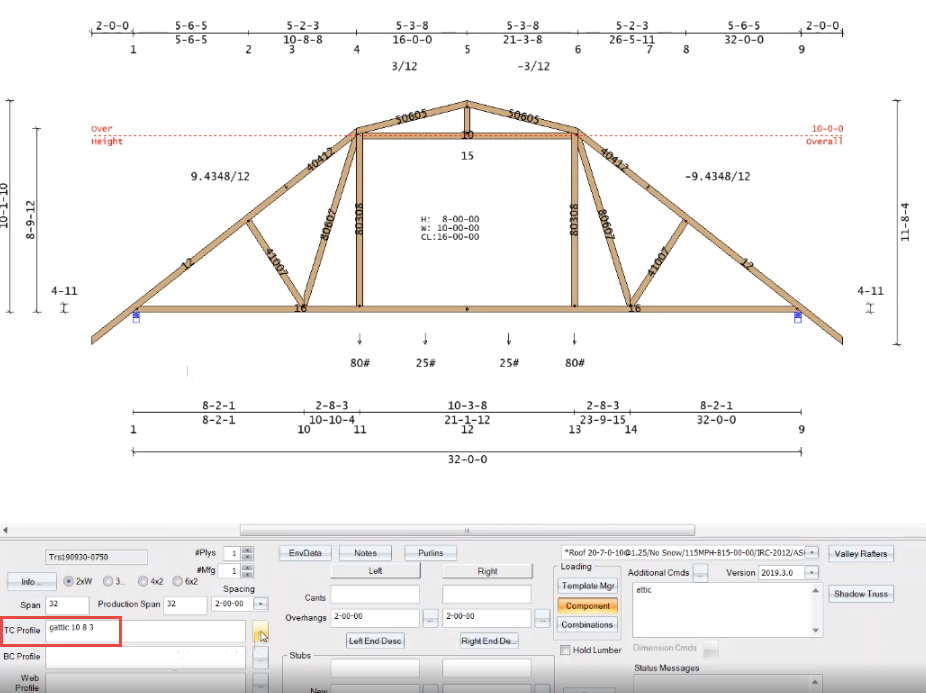
- Click the
 button.
The Profile help page displays. For the commands described above, the Convert To Profile button displays at the bottom of the page.
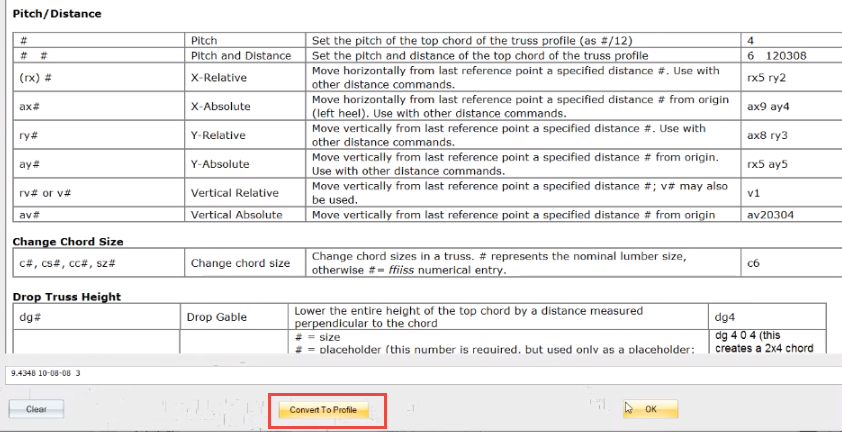
- Click Convert To Profile to convert the macro command into a standard profile command.
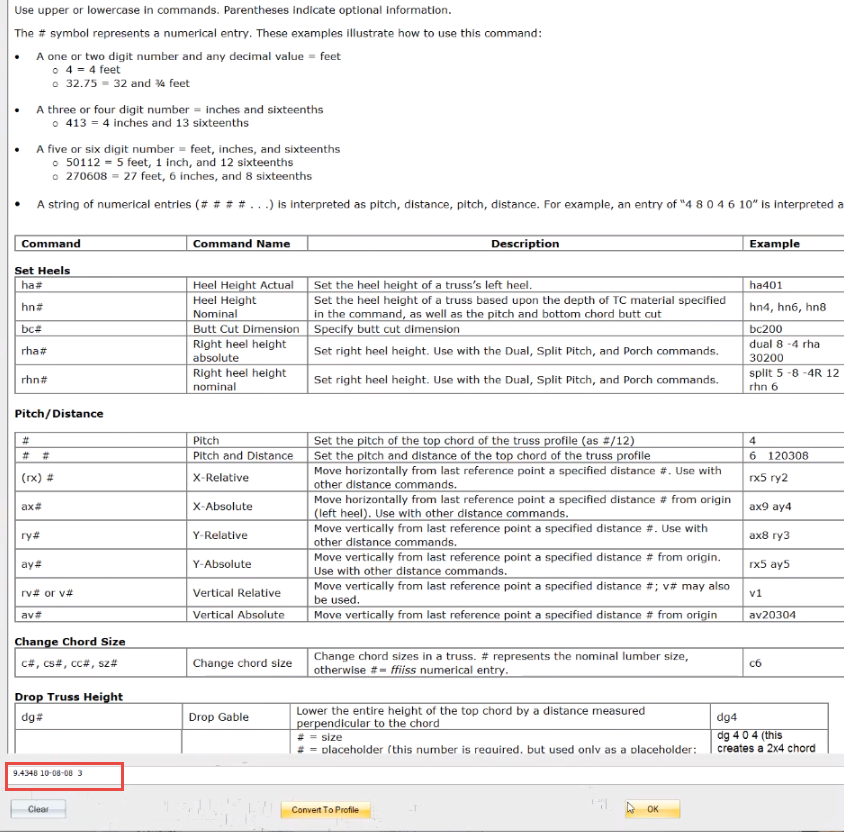
- Click OK to close the help window.
Once you convert the building profile, you can make changes to the attic on the Attic dialog.
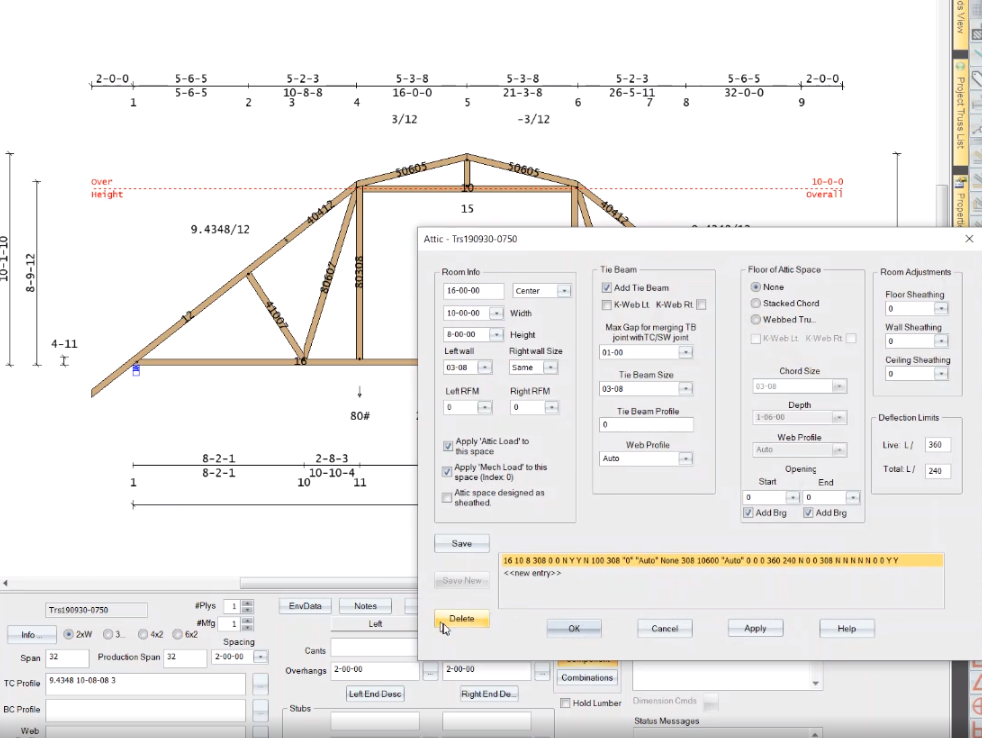
 Note: This functionality is available only for the gattic, dual, porch, and split commands. Otherwise, this button is not displayed.
Related Topics