Purpose
Apply lumber and plates to trusses with symmetric profiles mitigating the impact of installing trusses backwards. Use this feature with Match Left and Match Right commands, which allow you to make trusses more symmetrical.
Steps
- Navigate to EnvData > Analysis > Overall Controls > Symmetrical Upgrade for fully symmetrical truss and set to True.
- Analyze the truss.
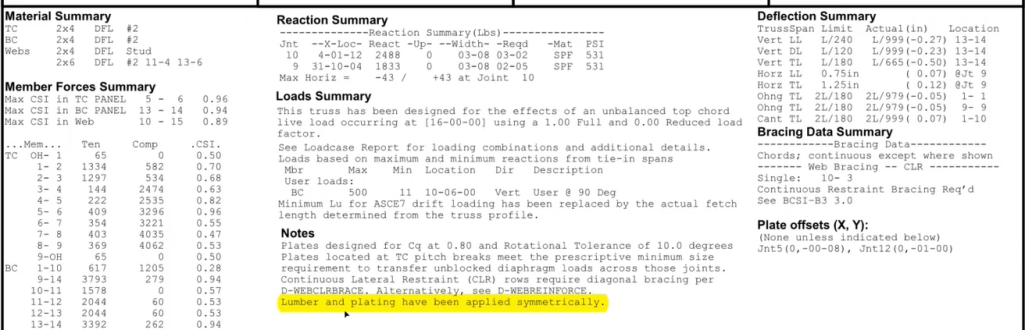
Truss Studio analyzes whether the truss is geometrically symmetrical, (including chords, splices, and webs, including overhangs), and plates the truss symmetrically and upgrades lumber. A note displays on the TDD:
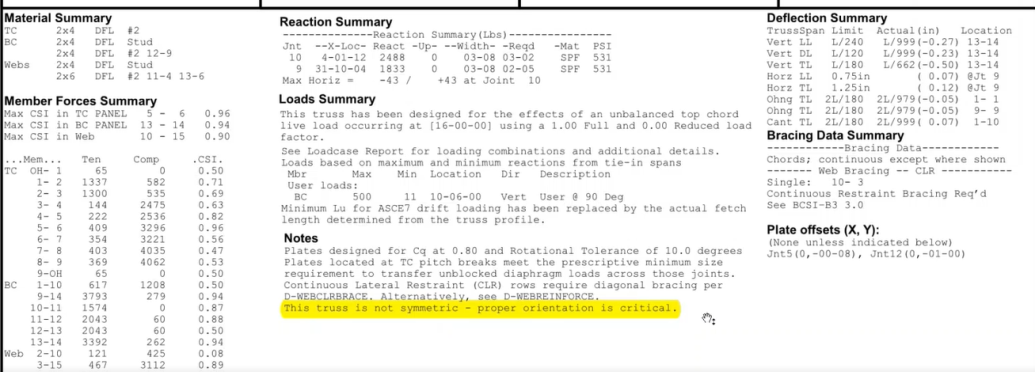
If the EnvData setting is False and the truss is symmetrical, the following warning displays on the TDD:
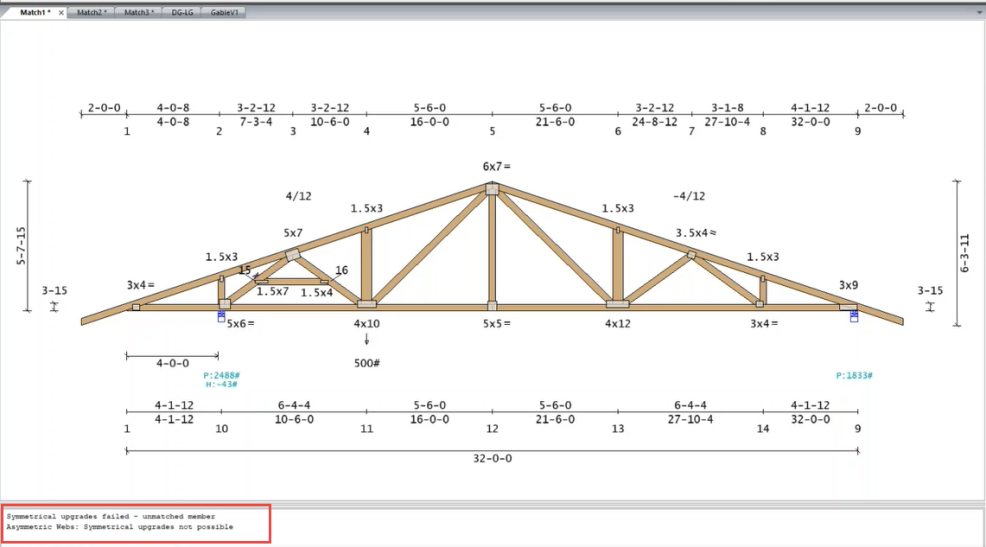
 Note: If the EnvData setting is True and the truss does not have symmetrical web pattern, a status note indicates that symmetrical upgrades are not possible; in this case, symmetrical plating and lumber will not be applied to the truss.
Related Topics